See your Obsidian vault as a town
Open your vault
It takes a minute. Nothing to install.
Open Aloha in Chrome, Edge or Arc
On a computer, go to app.aloha.place. These browsers can read and write a folder on your disk.
Choose Obsidian
On the welcome screen choose Obsidian and pick your vault folder.
Allow editing
When the browser asks whether Aloha may edit files in the folder, allow it. Say no, and the vault opens read-only.
Look around
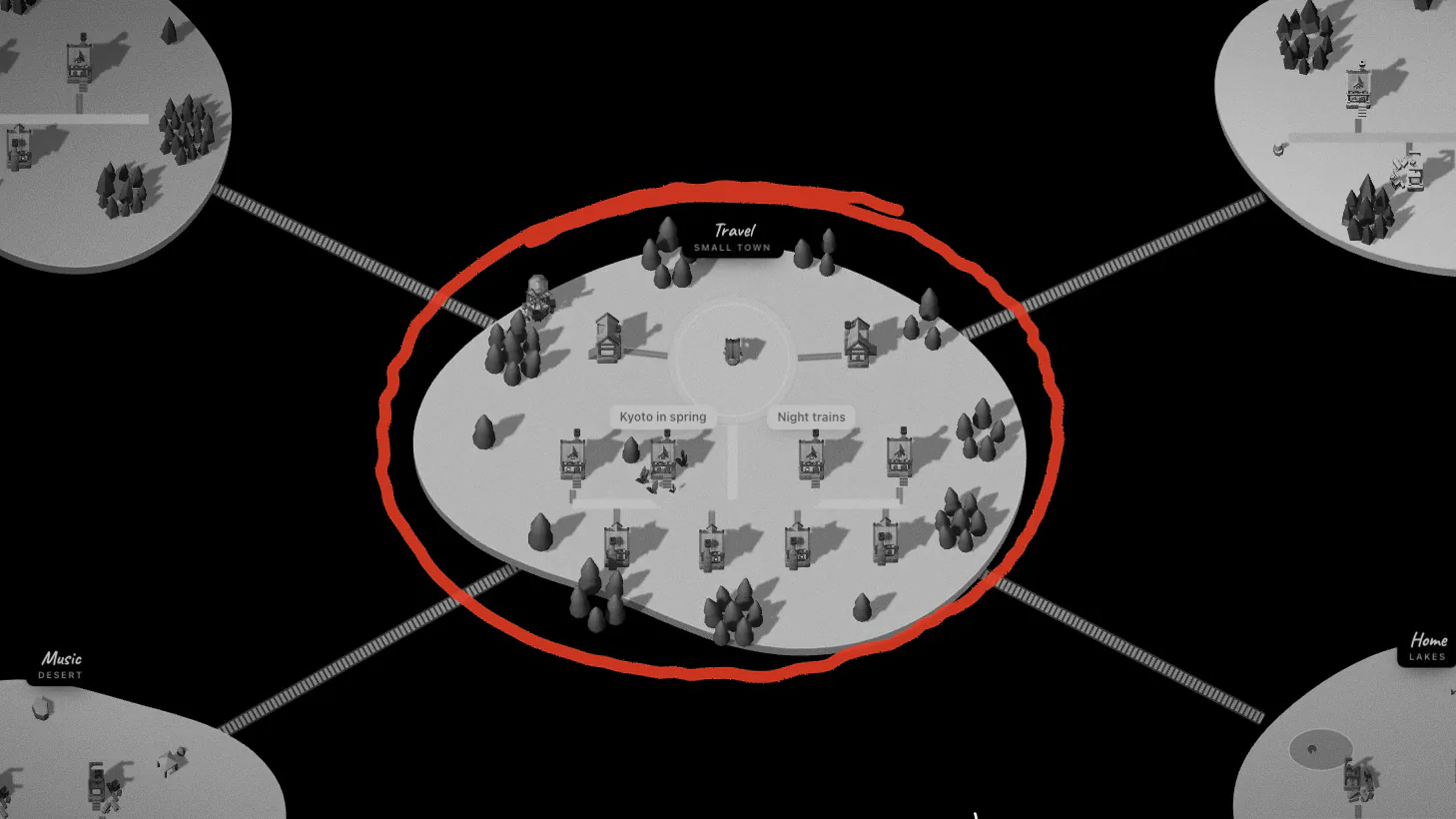
Folders appear as lands and notes as houses. Next time, Aloha offers to reconnect the same folder; the browser asks for permission again.
Safari, Firefox and other browsers
Browsers that can’t write to a folder on your disk open the vault read-only: you can walk, read and search, but changes aren’t saved to your files. To write, use Chrome, Edge or Arc on a computer.
How your vault appears
| In your vault | In Aloha |
|---|---|
| A top-level folder | A land, with its square and portal. Subfolders fold into their top-level land. |
| Notes in the vault root | Houses in the Field, the land outside every folder |
| A note (.md file) | A house, named after the file |
| A [[wikilink]] | A road between the two houses |
| A road you draw in Aloha | An edge in Aloha.canvas, which Obsidian shows too |
| Files in a “References” list | Cards under the note; pictures hang on the house’s wall |
| Frontmatter | Left as it is. Aloha reads and writes only its own aloha-* keys |
Your vault, your world
My vault/
- Travel/
- Kyoto in spring.md
- Night trains.md
- Music/
- Records to find.md
- Inbox.md
- Aloha.canvas
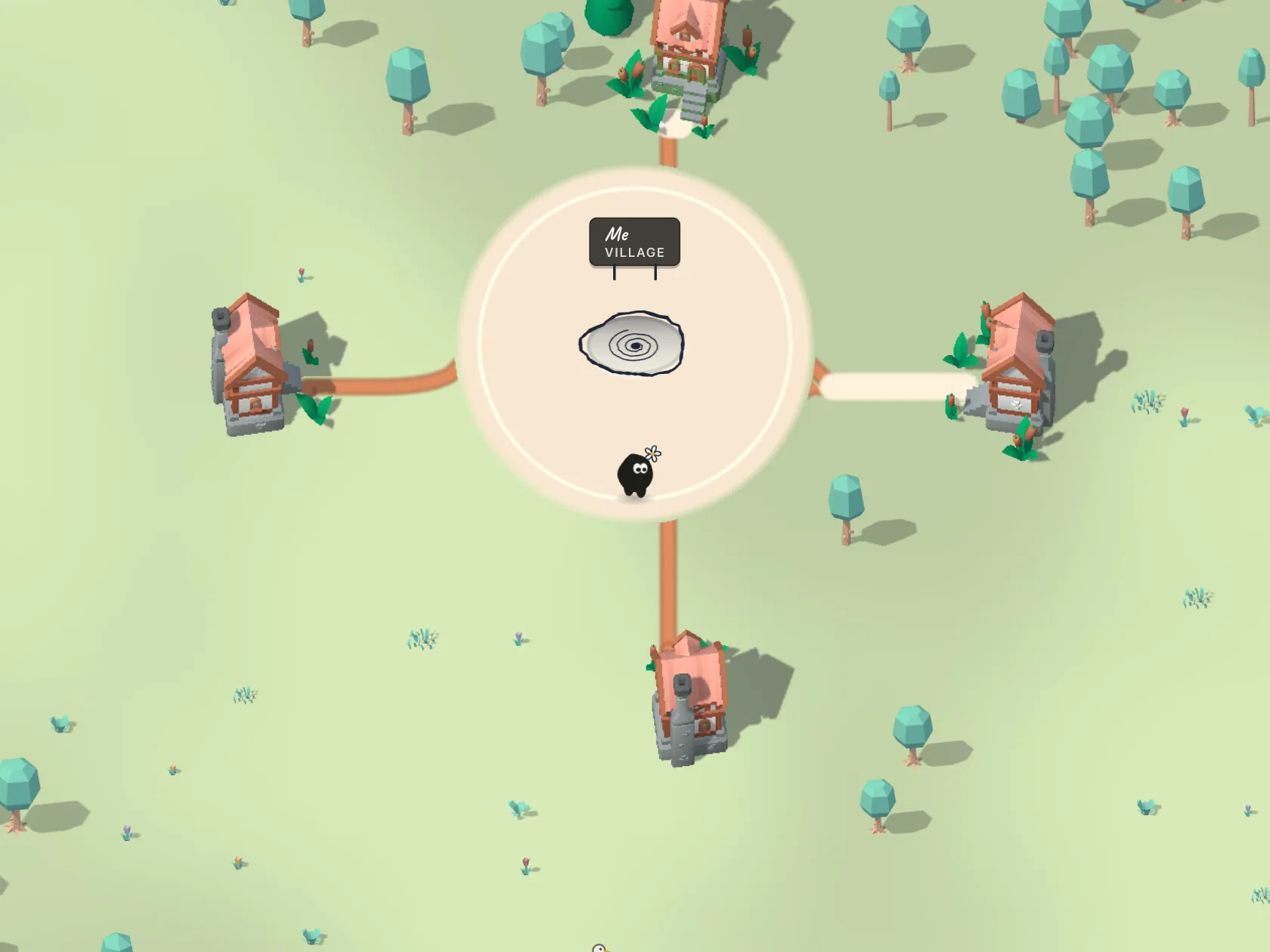
Each top-level folder becomes a land, each note a house; Aloha.canvas keeps the map. The files stay where they are.
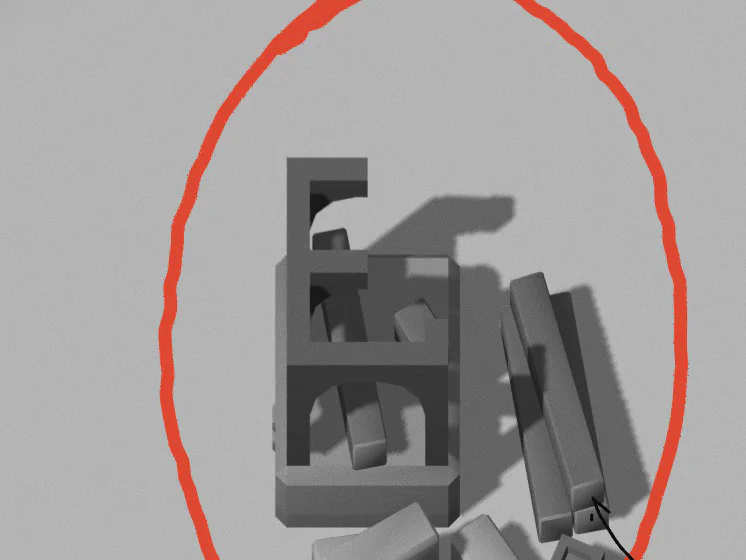
Every note in the vault is a house, named after its file.
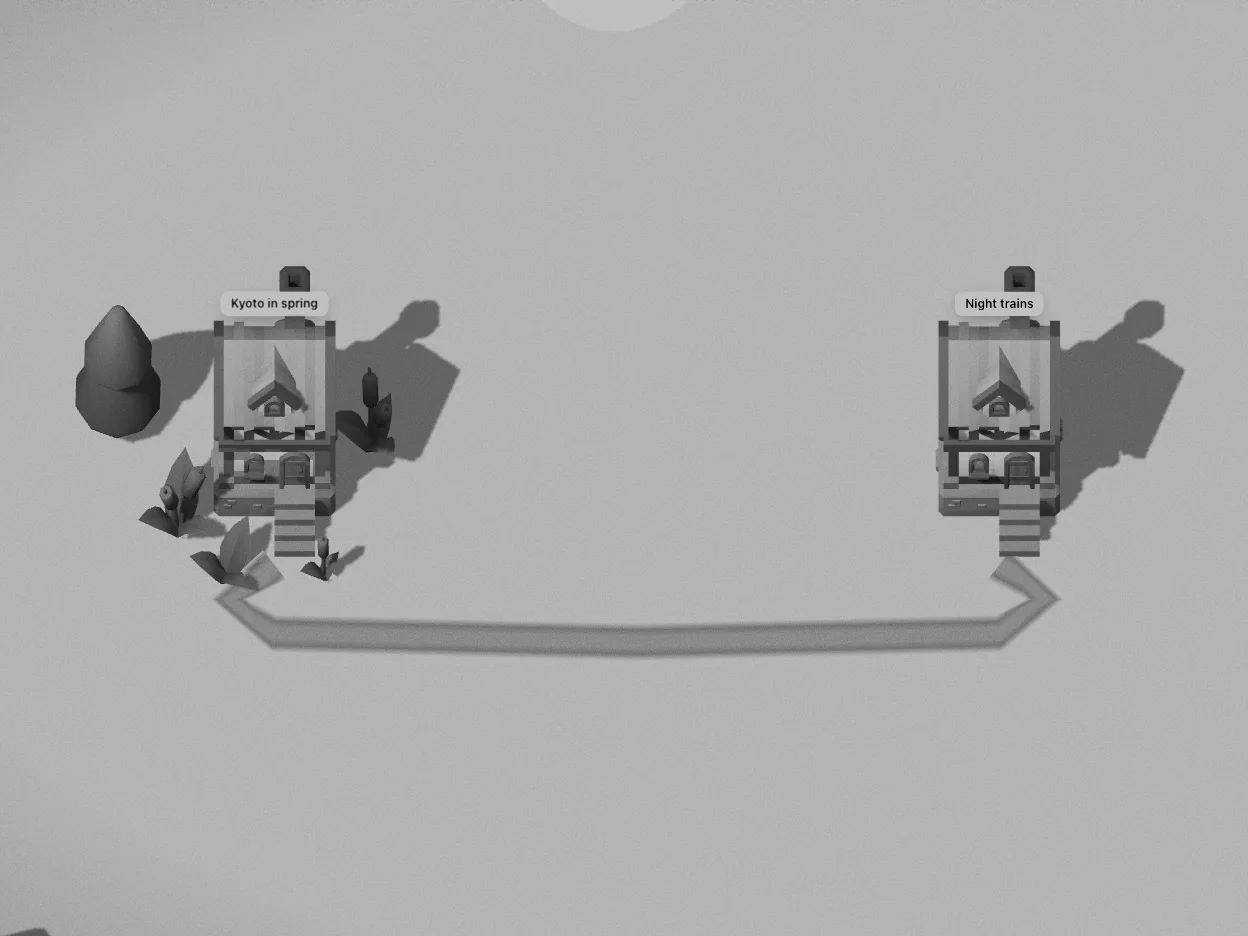
Every [[wikilink]] lays a road from one door to the other.
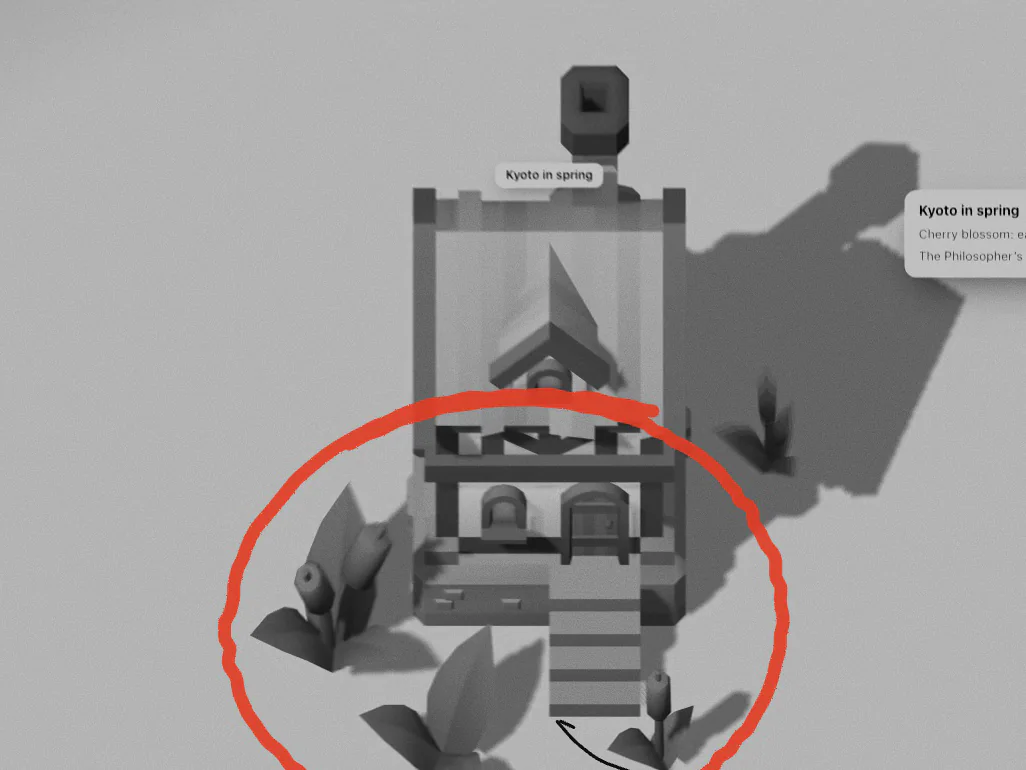
The longer a note, the more grows by its door.
What Aloha writes to your vault
Aloha keeps its map in one file at the root of the vault, Aloha.canvas, in Obsidian’s own JSON Canvas format: a group for each land, the houses, the roads you draw and the world’s seed. Open it in Obsidian and you’ll see the same map as a canvas. Anything you add to that canvas yourself is kept.
Notes are only written when you change them in Aloha. Before every write Aloha reads the file again and touches only its own parts — the note’s text, and the aloha-type, aloha-in-work and aloha-done keys in the frontmatter.
Deleted notes go to the vault’s .trash folder, Obsidian’s own trash, and undo brings them back. A new land is a new folder.
Your files stay on your device
Aloha reads the vault inside your browser. Nothing is uploaded and there is no account. Where you walked and which notes you opened is kept in the browser, not in your notes.
Good to know
- Folders and files that start with a dot, such as .obsidian and .trash, are skipped.
- Files over 500 KB are skipped.
- Plain Markdown links like [text](https://…) open as web links; only [[wikilinks]] make roads.
- Tags don’t do anything on the map.