 Aloha
Aloha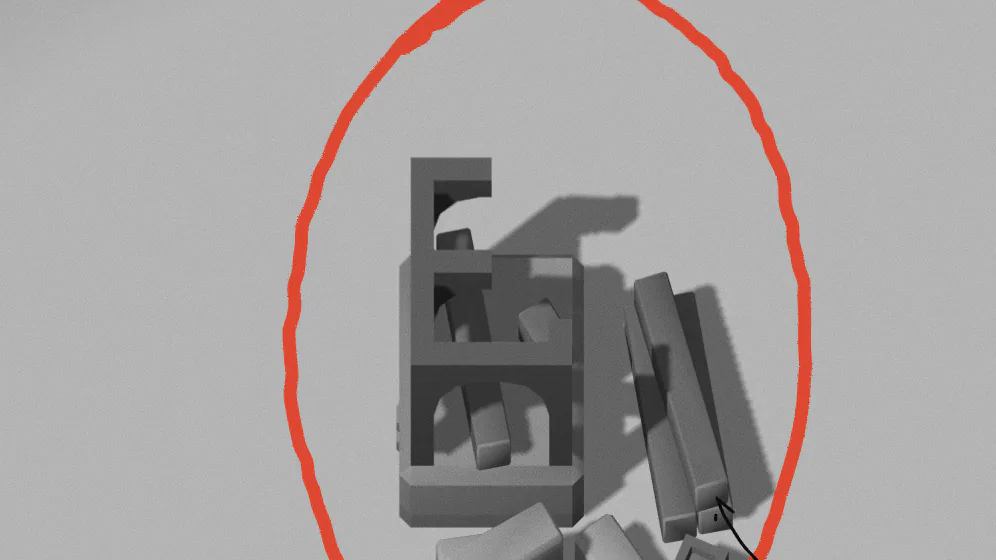
A note becomes a house
Write a thought, and a house goes up right next to you. Walk to its door to read it.
Your notes become a little world you can walk through. Every note is a house, every link a road, every folder a land of its own. Go for a walk and read what you wrote.
free · in your browser · nothing to install
how it grows
No settings to learn. Four rules, and you already know them all: what you write is what grows. Nothing on the map is decoration. Every house is a note of yours.
Write a thought, and a house goes up right next to you. Walk to its door to read it.
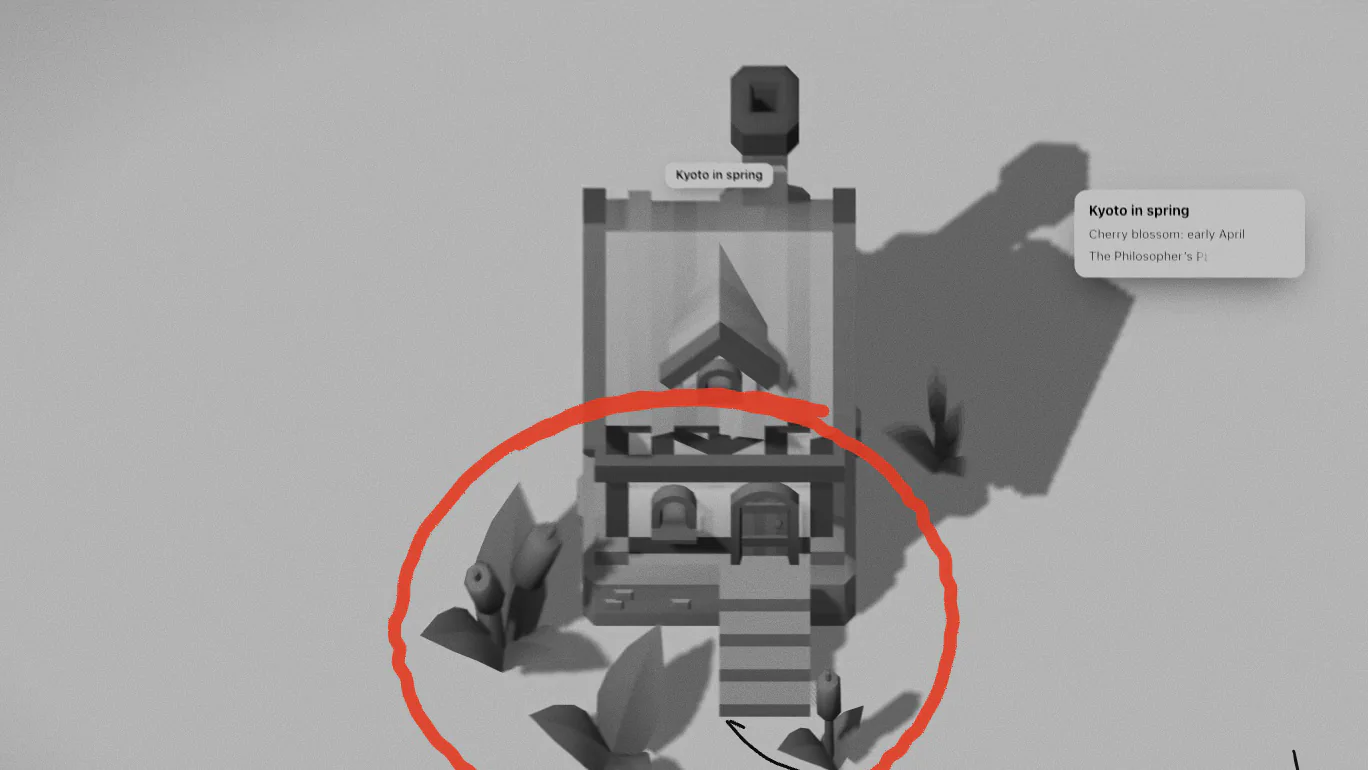
The more a note holds, the more grows by its door: flowers, bushes, ivy, a tree. Pictures hang on its wall.
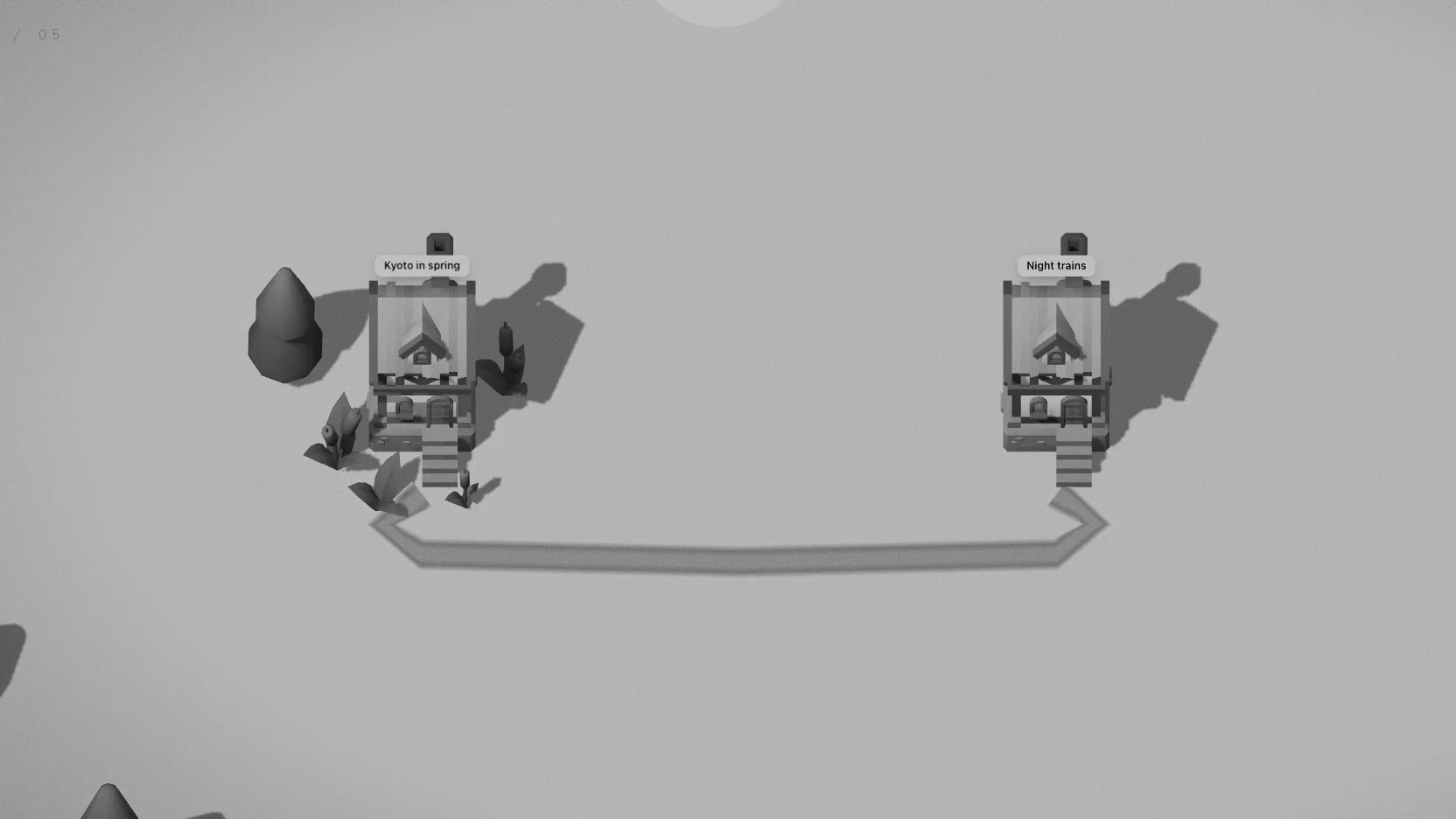
Link two notes and a road runs from door to door. The more links share it, the better it gets: a path, a road, paving, lamps.
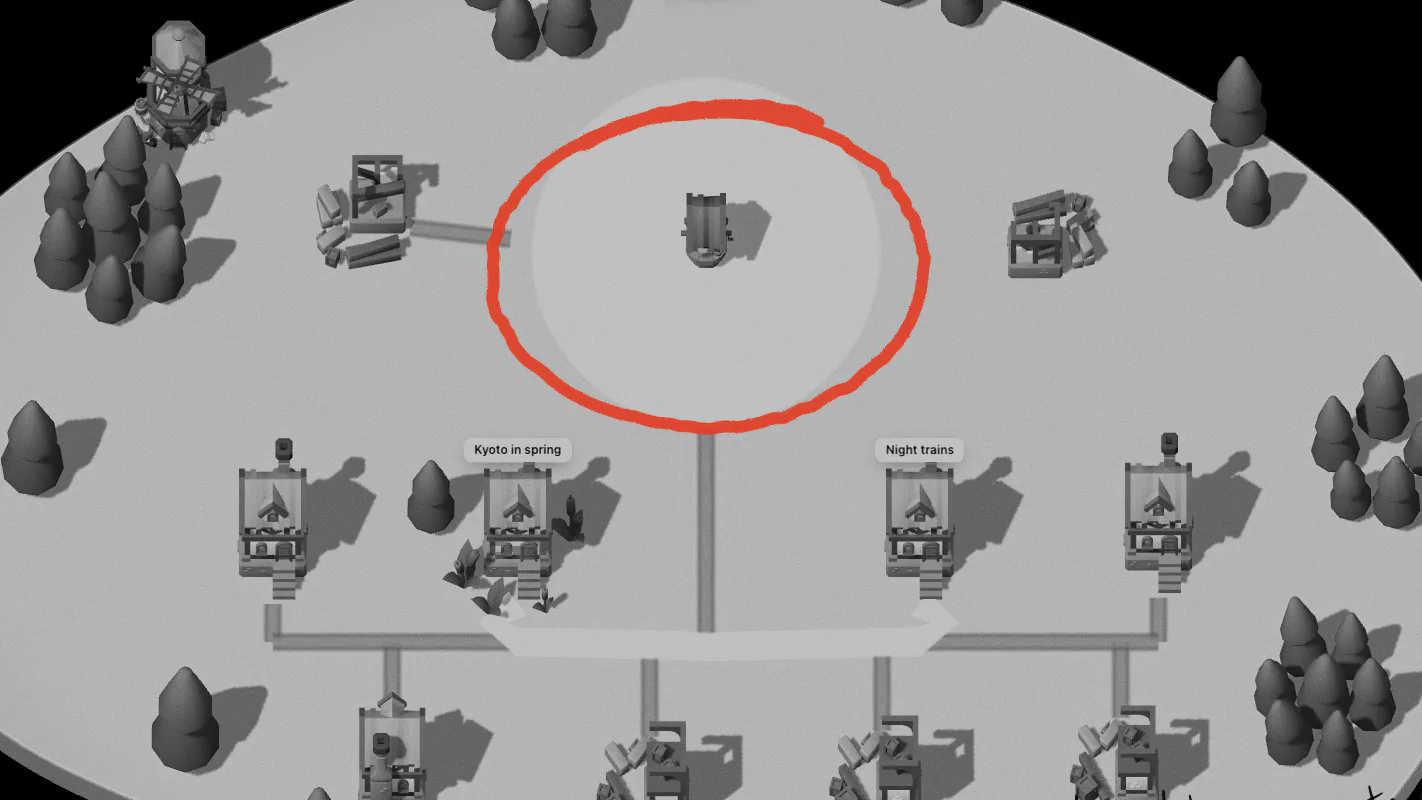
A hamlet becomes a village, then a town round its square. Notes you haven’t opened in a month fade until you visit.
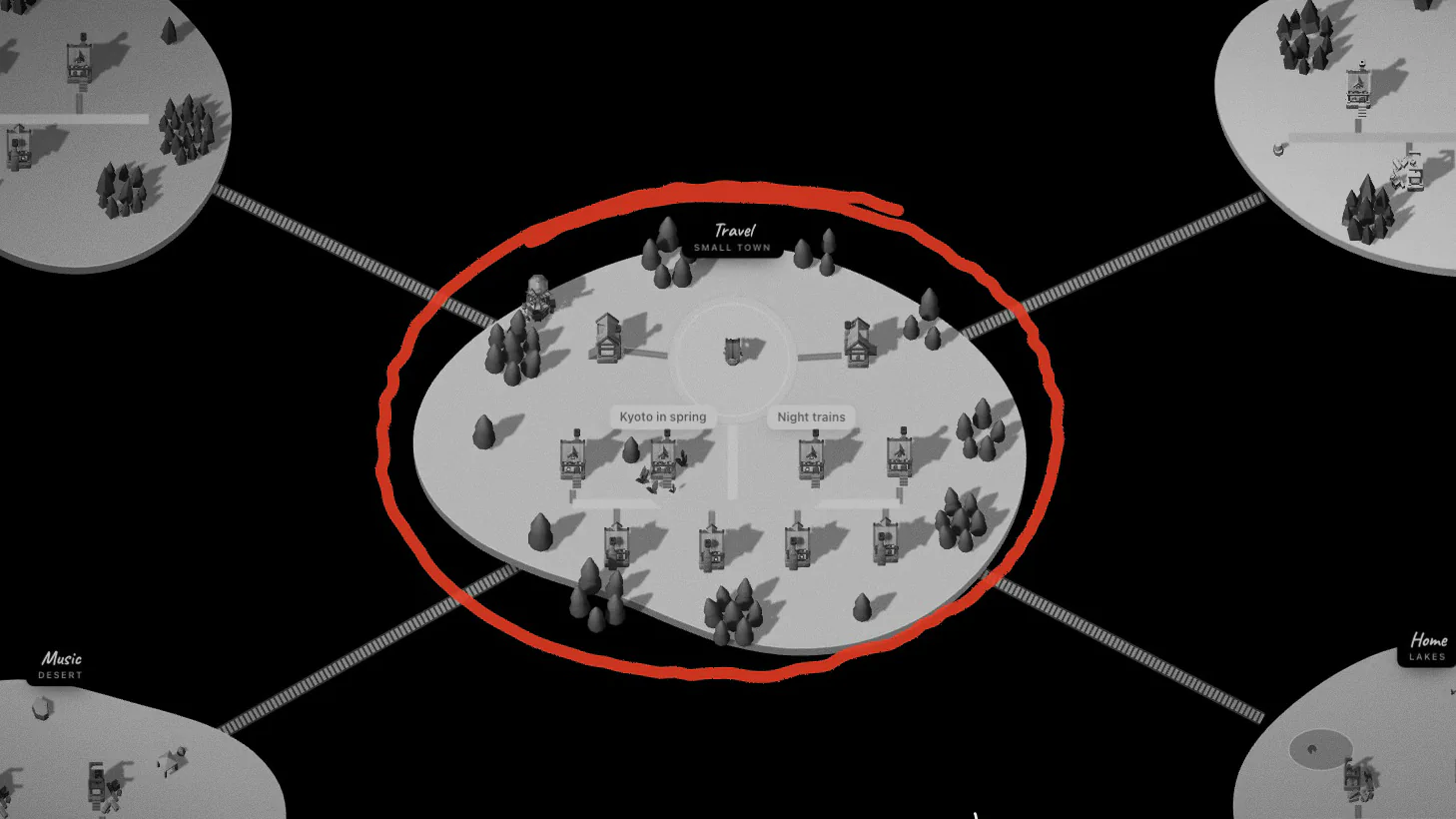
Folders become lands with their own ground, meadow, desert or snow, joined by bridges. Portals on each square take you from one to another, so a big vault still feels like a place you know your way around.
your notes
Aloha draws your notes. It doesn’t keep them somewhere else. Open a folder, connect a workspace, or just start writing.
Open your vault folder. Folders become lands, notes become houses, [[links]] become roads. Everything stays plain Markdown on your device.
read and write in chrome & edge
Sign in with Notion and choose what to share. Pages become lands and houses, and they open as they look, with tables, toggles and pictures.
live, through notion’s sign-in
Walk round a small sample world, then write your first thought. Your world is kept right here in this browser.
no account needed
the film
From a single note to a world of towns. Sound on, if you can.
questions
Yes. Aloha runs in your browser and costs nothing. There is nothing to install and no account to make.
Yes. Open your vault folder: folders become lands, notes become houses and [[links]] become roads. Your notes stay plain Markdown on your device. Chrome and Edge can read and write the vault; other browsers open it read-only.
Yes. Sign in with Notion and choose which pages to share. Pages become lands and houses, and open with their tables, toggles and pictures.
With you. A world you start in Aloha is kept in your browser; an Obsidian vault stays in its folder on your device; Notion pages stay in Notion.
Write to hello@aloha.place. We read every letter.
Yes. Aloha is made for phones first and can be added to the home screen, where it opens offline too.
Open Aloha, write one thought, and watch its house go up. It takes ten seconds.