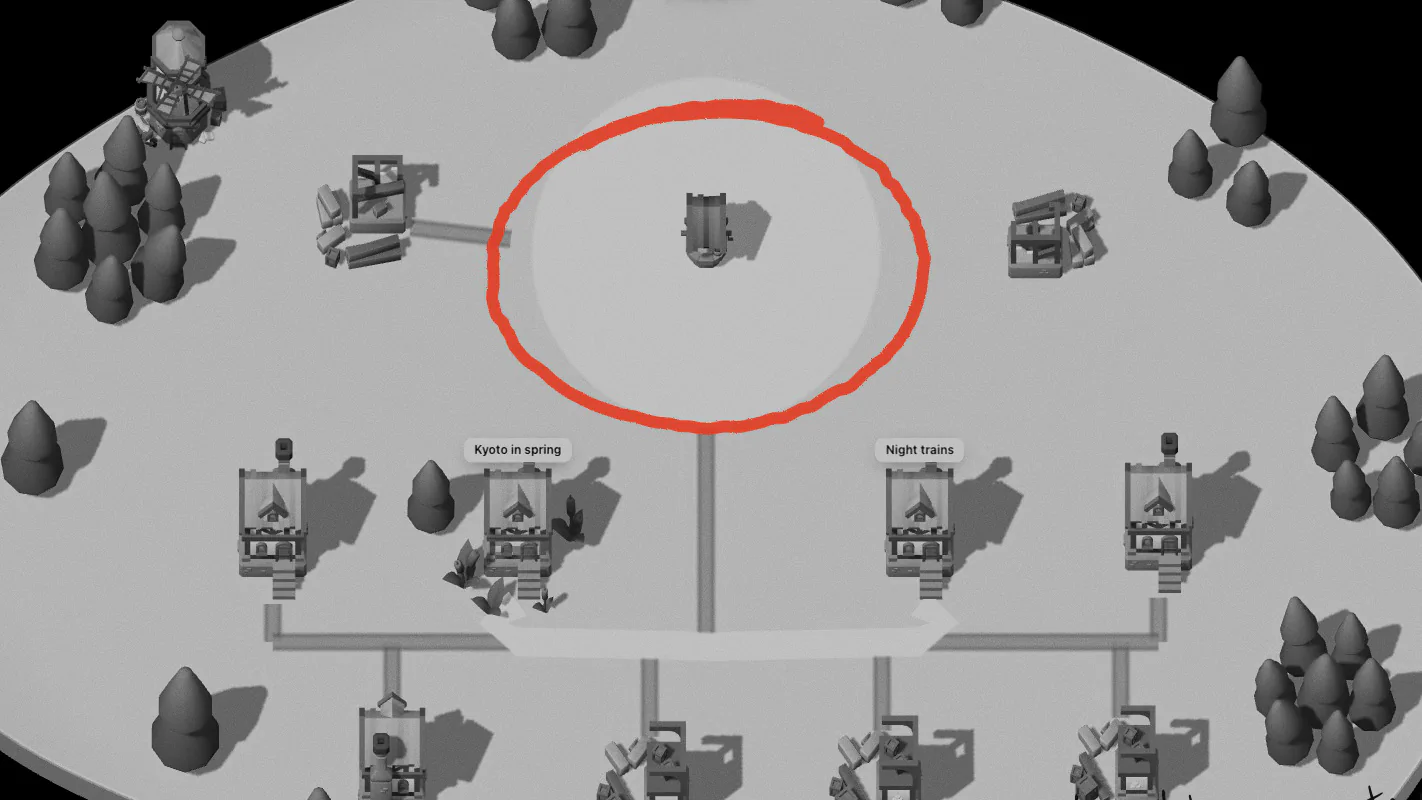
In Aloha you read by walking. Notes that sit near each other are read together, and the way to a note becomes part of remembering it. This guide covers moving, reading and finding things. For what the houses, roads and squares mean, see How it works.
Moving on a computer
- W A S D or the arrow keys walk. Hold a direction and the walker picks up the pace a little.
- Hold Shift to run, at twice the speed.
- Click the ground to walk there. Clicking a house walks you to its door.
Moving on a phone
- Tap the ground to walk there.
- Slide a finger across the ground and a thumb-stick appears under it: a small push creeps, a full push walks, and pulling past the ring breaks into a run.
- Hold still on the ground and a ring fills; when it’s full a menu opens with what you can do there.
- Pinch in to see the whole map; pinch out to come back.
Reading a note
When you come close to a house, its name appears above the door.
- On a computer, press Space, E or Enter to go in. Pointing at a house for a moment also shows a small card with Open.
- On a phone, a bar at the bottom shows the note’s title and a Read button. Tapping a house first walks you to it; tapping again opens it.
The note opens full-screen as a single column of text. In the reader, ← and → — or a sideways swipe on a phone — turn to the previous or next note in the same place, so you can read a whole street without walking it. Esc (or your phone’s back gesture) takes you back outside.
Finding things
- / or ⌘ K opens Find. Type, and the houses that match light up while the rest fade back. Find also reaches commands, such as the walk timer and the language.
- L opens the list of the place’s notes, street by street, with a search and filters: all notes, notes in progress, questions, and notes you haven’t opened lately.
- R wanders: it walks you to the nearest note you haven’t visited yet.
- K toggles the minimap; M shows the whole map, where a click (or a tap) flies you to a place or a note.
When a note fades
A note you haven’t opened for a month fades: its house dims and its flowers go. It isn’t gone: open it and it is mended. Wandering with R is a good way to find these. There’s more on why rereading matters in Why you never reread your notes.
All the keys are on one page: Keyboard shortcuts.